Introduction
The Chromebook market continues to grow rapidly in 2026, especially among students, teachers, remote workers, and business professionals. One device getting strong attention is the Acer Chromebook Plus 514 Laptop. With a modern lightweight design, AI-powered Google tools, Intel Core i3 performance, and a responsive touchscreen display, this Chromebook is built for productivity and daily use.
The Acer Chromebook Plus 514 combines speed, portability, and reliability into one affordable package. Whether you are attending online classes, managing office tasks, browsing the web, or joining video meetings, this Chromebook aims to provide a smooth and secure experience.
In this detailed Acer Chromebook Plus 514 review, we will explore its features, performance, display quality, battery life, AI tools, connectivity options, and why it is becoming one of the best Chromebook choices for education and business users.
Acer Chromebook Plus 514 Overview
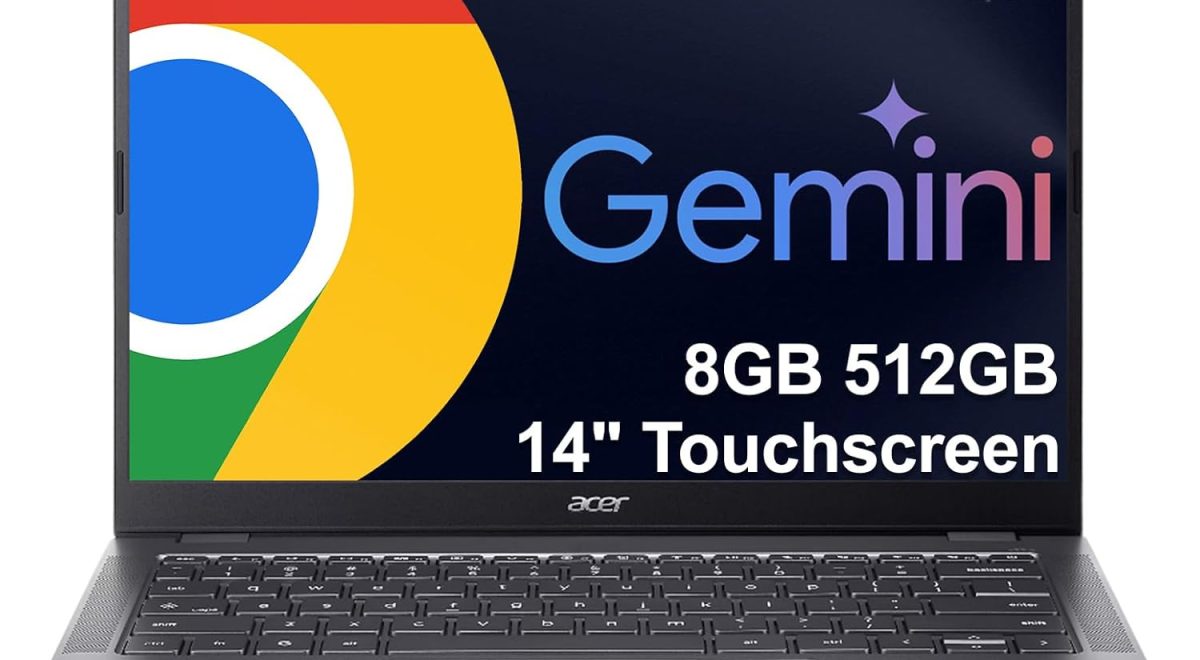
The Acer Chromebook Plus 514 is designed for users who want a lightweight yet powerful laptop running Chrome OS. It comes equipped with an Intel 8-Core Core i3-N355 processor, 8GB LPDDR5X RAM, and a large 512GB SSD storage upgrade.
This Chromebook is especially attractive for:
- Students and K12 education
- Teachers and online learning
- Office and business work
- Remote workers
- Everyday home users
- Travelers and commuters
Its durable military-standard design and long battery life make it ideal for people who need a reliable device on the move.
Key Features of Acer Chromebook Plus 514
Thin and Lightweight Design
One of the biggest strengths of the Acer Chromebook Plus 514 is portability. Weighing only about 3.09 pounds, this laptop is easy to carry in a backpack or travel bag.
The thin profile makes it comfortable for:
- School use
- Coffee shop work
- Office commuting
- Travel productivity
- Hybrid work environments
The device also meets MIL-STD 810H military durability standards, meaning it is built to handle everyday bumps and movement more reliably than many standard laptops.
14-Inch Full HD+ Touchscreen Display
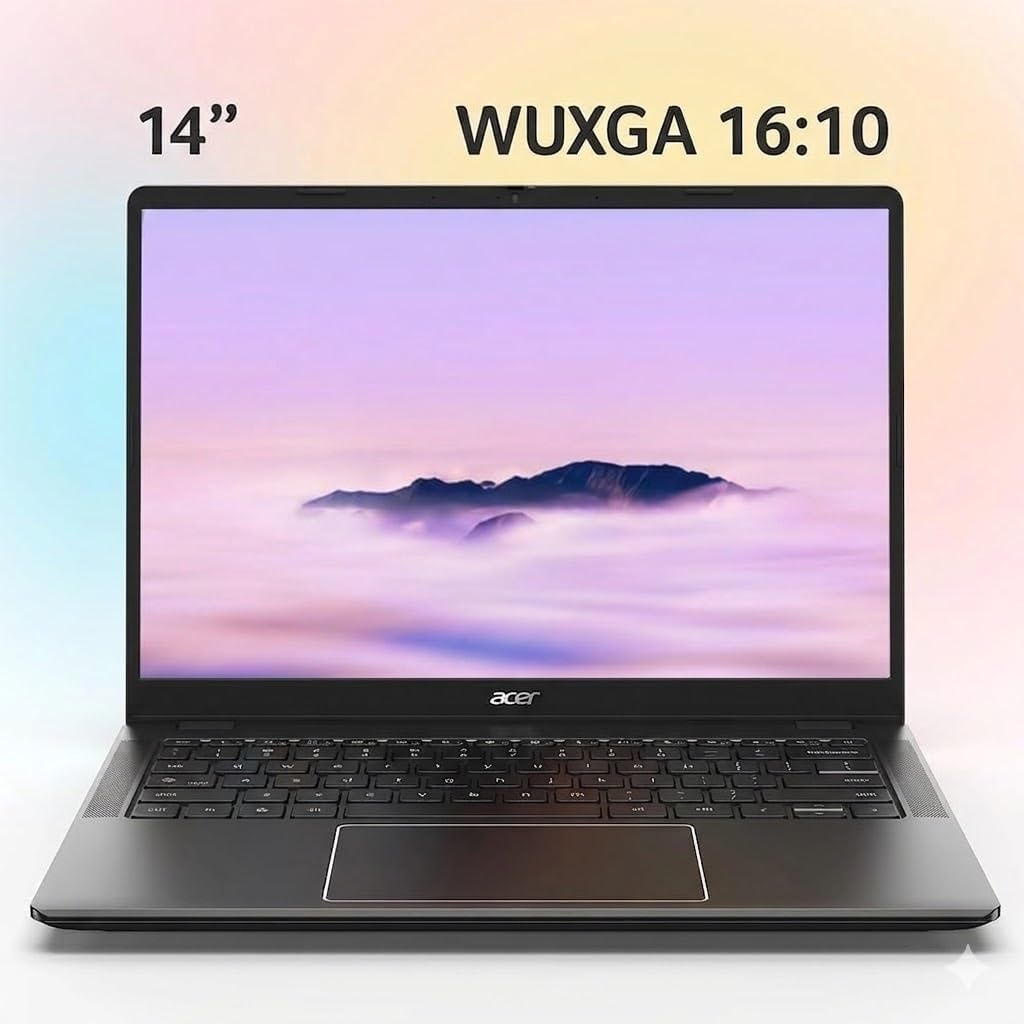
The laptop features a beautiful 14-inch WUXGA touchscreen display with a 1920×1200 resolution. Compared to standard Full HD screens, the taller aspect ratio provides more vertical viewing space for reading documents, browsing websites, and multitasking.
Display Highlights
- 14-inch IPS touchscreen
- 1920×1200 resolution
- 300-nit brightness
- Sharp colors and wide viewing angles
- Responsive touch controls
This display works well for students reading assignments, professionals editing documents, and users streaming videos online.
Powerful Intel Core i3-N355 Performance
The Acer Chromebook Plus 514 is powered by the Intel Core i3-N355 processor with 8 cores. This modern processor is designed to handle multitasking efficiently while maintaining energy efficiency.
Performance Benefits
Users can comfortably:
- Open multiple Chrome tabs
- Run Google Docs and Sheets
- Attend Zoom meetings
- Stream videos
- Use cloud-based applications
- Edit documents and presentations
- Perform online learning tasks
The combination of 8GB LPDDR5X RAM and 512GB SSD storage helps deliver fast startup speeds and smooth everyday performance.
Unlike many budget Chromebooks with small storage capacities, the upgraded 512GB SSD provides plenty of room for files, downloads, videos, and applications.
AI-Powered Google Features
Artificial intelligence is becoming a major part of modern laptops, and the Acer Chromebook Plus 514 includes several Google AI tools.
Google Gemini AI Integration
The Chromebook includes AI-powered tools designed to improve creativity and productivity. Users can access features like:
- Writing assistance
- Smart organization
- AI-generated images
- Productivity suggestions
- Faster document creation
The dedicated Quick Insert key helps users access AI features quickly and efficiently.
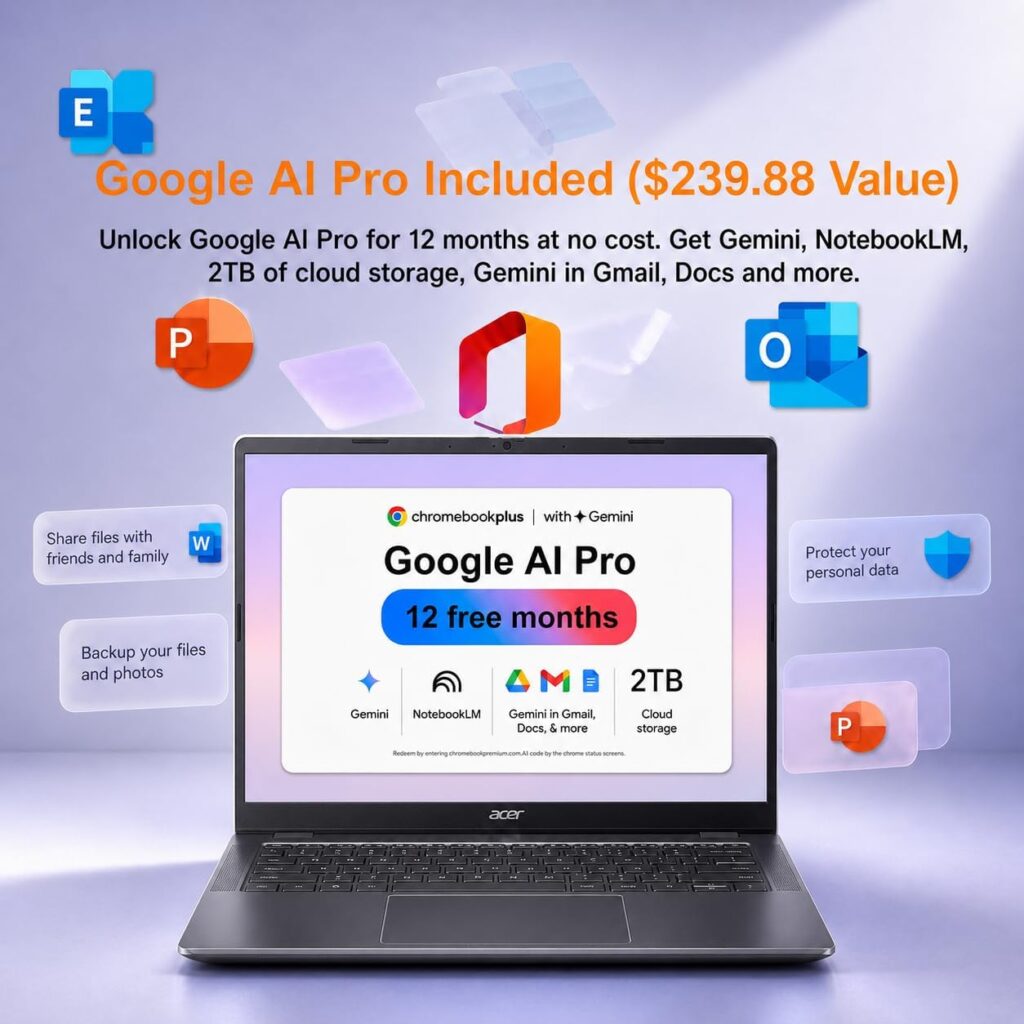
Included Google AI Pro Benefits
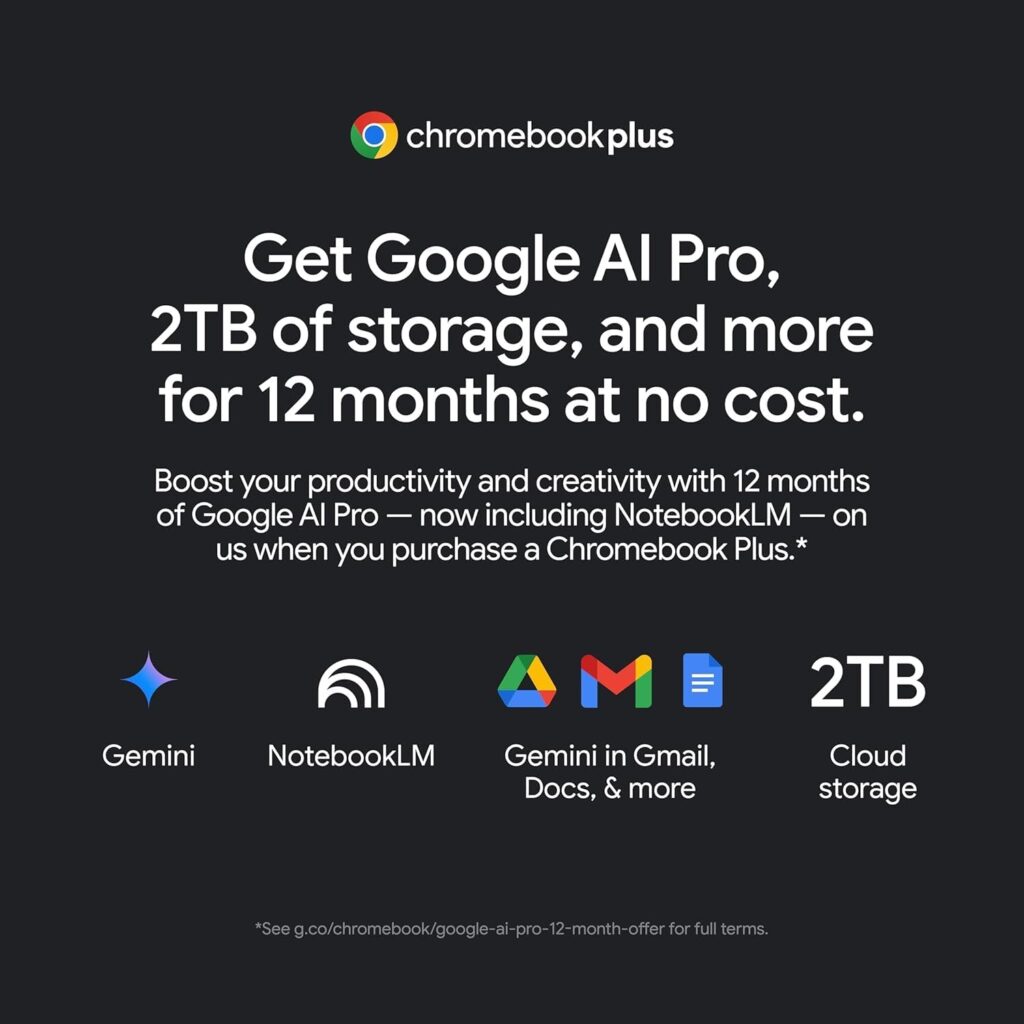
This Chromebook purchase also unlocks:
- Gemini Advanced
- NotebookLM
- 2TB cloud storage
- AI integration with Gmail and Google Docs
These features are especially useful for students writing assignments and professionals handling office tasks.
Excellent Webcam for Online Classes and Meetings
Online learning and remote work require a quality webcam, and Acer includes a 1080p webcam with a privacy shutter.
Webcam Features
- Full HD 1080p resolution
- Clear video quality
- Privacy shutter protection
- Ideal for Zoom and Google Meet
- Better online communication
Students attending virtual classes and professionals joining meetings will appreciate the improved image quality.
Backlit Keyboard and Comfortable Typing
Typing comfort is important for long study or work sessions. The white backlit keyboard helps users type comfortably in low-light conditions.
Keyboard Advantages
- Comfortable key spacing
- Easy nighttime typing
- Professional appearance
- Good for students and office users
The keyboard design supports long writing sessions, assignments, emails, and document editing.
Rich Connectivity Options
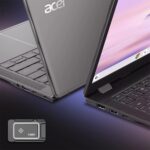
The Acer Chromebook Plus 514 includes modern connectivity features that improve productivity and flexibility.
Ports and Wireless Features
Wired Ports
- 2 USB-C 3.2 ports
- 2 USB-A 3.2 ports
- HDMI 1.4
- Headphone/microphone combo jack
Wireless Connectivity
- Wi-Fi 6E
- Bluetooth 5.3
These features allow users to connect accessories, monitors, storage devices, headphones, and wireless peripherals easily.
Multi-Monitor Support
A standout feature of the Acer Chromebook Plus 514 is support for multiple external displays.
External Display Support
Users can connect up to 3 external monitors using:
- HDMI output
- USB Type-C connections
This is very useful for:
- Business productivity
- Research work
- Multitasking
- Content management
- Online teaching setups
Chrome OS Advantages
Chrome OS continues to become more popular because of its simplicity, speed, and security.
Why Chrome OS Is Popular
Fast Boot Times
Chromebooks start quickly and stay responsive.
Automatic Updates
Security updates happen automatically without complicated setup.
Cloud Integration
Google Drive integration makes file backup easy.
App Support
Users can access:
- Google Play Store apps
- Android applications
- Web-based productivity tools
The Auto Update Expiration date for this Chromebook extends until June 2035, providing long-term software support.
Ideal for Education and K12 Students
The Acer Chromebook Plus 514 is highly suitable for schools and students.
Education Benefits
Students can easily:
- Attend online classes
- Complete homework
- Access educational apps
- Use Google Classroom
- Collaborate on projects
Teachers and IT administrators may also appreciate the Chromebook’s security and cloud-based management system.
Its durable build and lightweight design make it practical for daily school use.
Business and Remote Work Performance
Business professionals increasingly use Chromebooks because of their reliability and lower maintenance needs.
Business Advantages
The Acer Chromebook Plus 514 supports:
- Remote meetings
- Spreadsheet work
- Presentations
- Email management
- Cloud collaboration
- Web-based software tools
Its portability and long battery life also make it ideal for hybrid work environments.
Battery Life and Mobility
Battery life remains one of the strongest reasons people choose Chromebooks.
The Acer Chromebook Plus 514 is designed for all-day productivity with long battery performance and fast charging technology.
This means users can:
- Study longer
- Travel more easily
- Work remotely
- Reduce charging interruptions
Acer Chromebook Plus 514 Specifications
Main Specifications
| Feature | Details |
|---|---|
| Display | 14″ WUXGA Touchscreen |
| Resolution | 1920×1200 |
| Processor | Intel Core i3-N355 |
| RAM | 8GB LPDDR5X |
| Storage | 512GB SSD |
| Operating System | Chrome OS |
| Webcam | 1080p HD Webcam |
| Keyboard | Backlit Keyboard |
| Weight | 3.09 lbs |
| Wireless | Wi-Fi 6E, Bluetooth 5.3 |
Pros and Cons
Pros
- Lightweight and portable
- Fast Intel 8-core processor
- Large 512GB SSD storage
- AI-powered Google features
- Full HD touchscreen display
- Excellent webcam quality
- Long software support until 2035
- Durable build quality
Cons
- Chrome OS may not support some Windows-only software
- Integrated graphics not designed for heavy gaming
- Limited offline software flexibility compared to Windows laptops
Frequently Asked Questions (FAQ)
Is the Acer Chromebook Plus 514 good for students?
Yes. The Acer Chromebook Plus 514 is excellent for students because it offers strong battery life, fast performance, lightweight portability, and support for online learning tools.
Can the Acer Chromebook Plus 514 run Microsoft Office?
Yes. Users can access Microsoft Office through web apps or Android applications available on Chrome OS.
Is 8GB RAM enough for Chrome OS?
Yes. 8GB RAM is more than enough for multitasking, browsing, streaming, online classes, and office work on a Chromebook.
Does the Acer Chromebook Plus 514 support gaming?
It supports casual Android and cloud gaming, but it is not intended for high-end PC gaming.
How long will the Chromebook receive updates?
The Auto Update Expiration date is June 2035, giving users many years of Chrome OS updates and security support.
Conclusion
The Acer Chromebook Plus 514 stands out as one of the best Chromebook choices for students, teachers, business professionals, and remote workers in 2026. Its combination of lightweight portability, strong Intel Core i3 performance, AI-powered Google tools, durable design, and excellent touchscreen display makes it highly competitive in the Chromebook market.
Whether you need a reliable device for online learning, office productivity, video conferencing, or everyday browsing, this Chromebook offers strong value and modern features at an affordable level.
The Acer Chromebook Plus 514 is especially appealing for users who want a secure, easy-to-use laptop with long-term software support and modern AI capabilities.